Gadget Trail Co
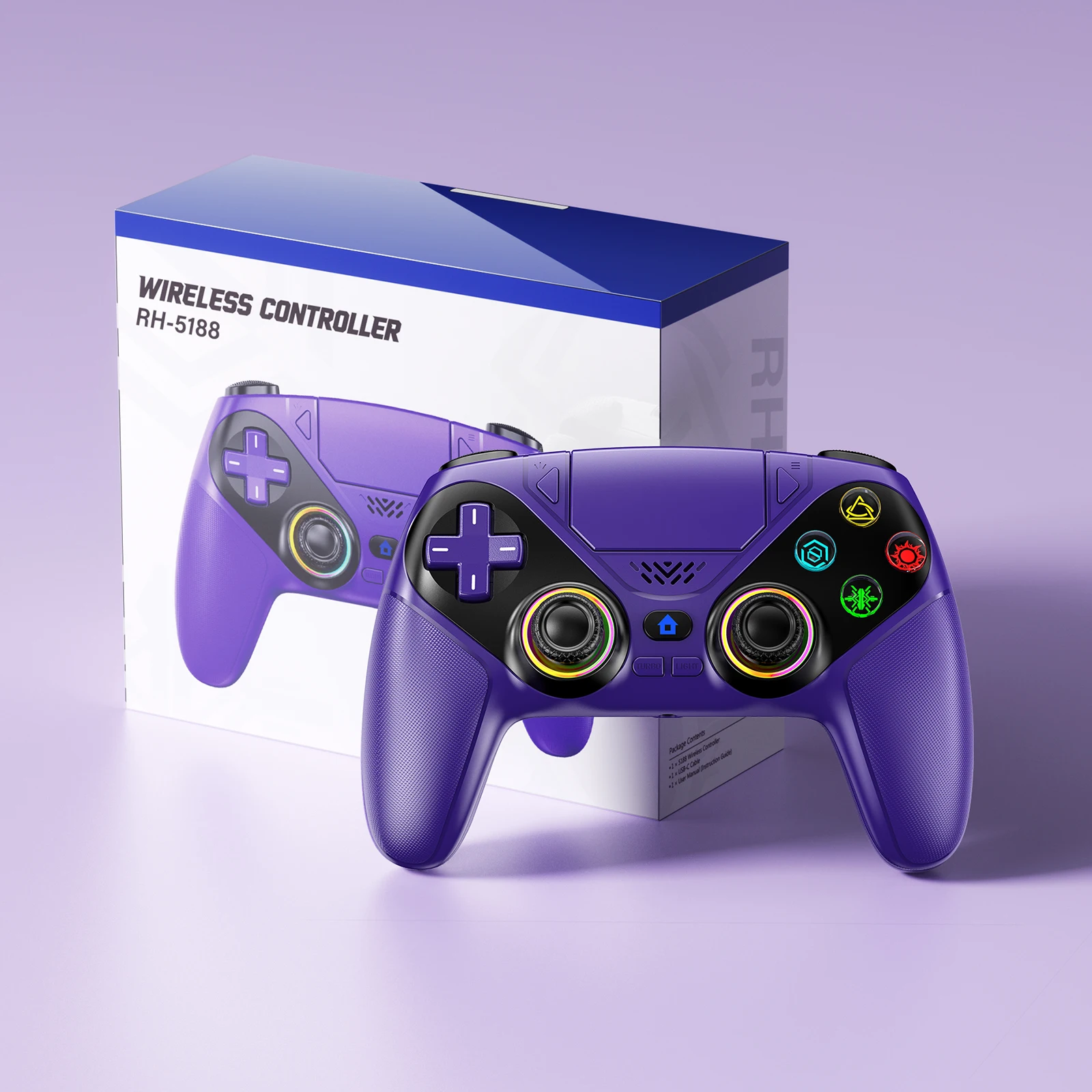
Gamepad For Playstation 5 PS5/PS5 Pro/Slim/PC RGB Wireless Controller Turbo/Marco Dual Shock 6-Axis Joystick Game Remote Control
Gamepad For Playstation 5 PS5/PS5 Pro/Slim/PC RGB Wireless Controller Turbo/Marco Dual Shock 6-Axis Joystick Game Remote Control
Couldn't load pickup availability
SPECIFICATIONS
Battery Included: Yes
Brand Name: bonacell
Certification: CE,FCC
Compatible Brand/Model: Sony
Compatible Platform: steam,PC,playstation
Compatible Sony Model: PS5 Pro,PS5 Slim,ps5
Finish Type: Matte
Interface Type: Bluetooth,USB
Package: Yes
Pattern: Solid
RGB lighting joysticks: Yes
Trigger Button Type: Linear
Type: Gamepads
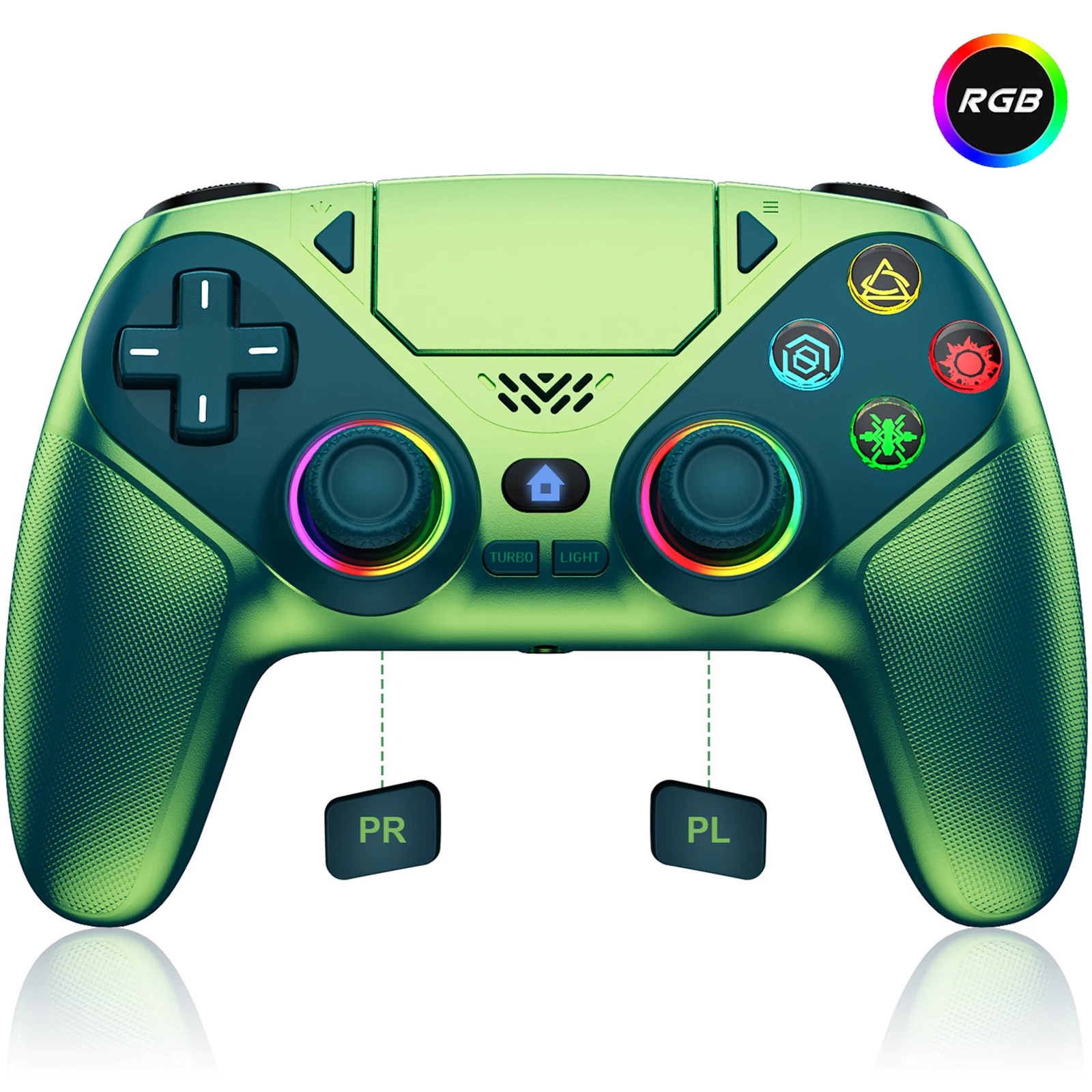
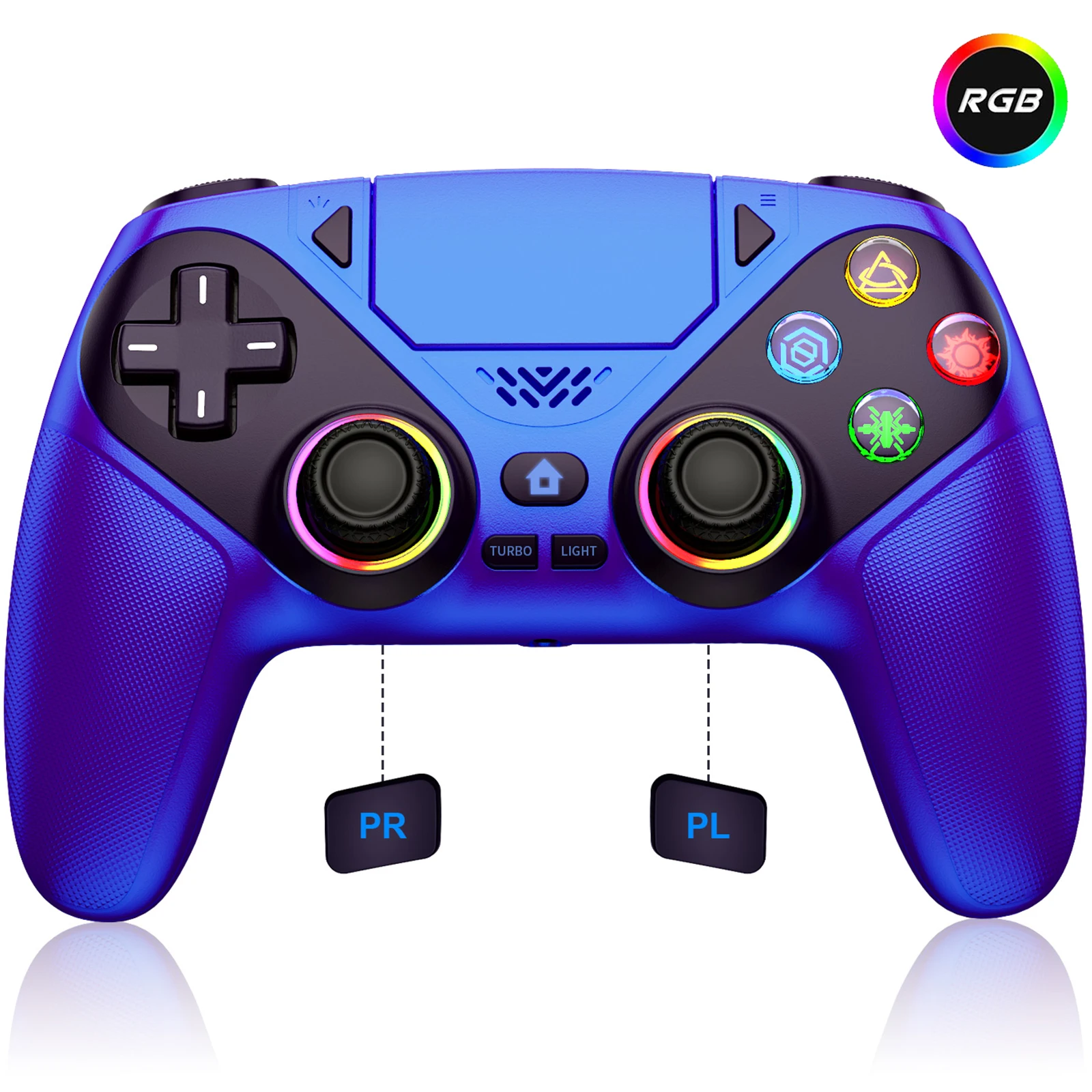
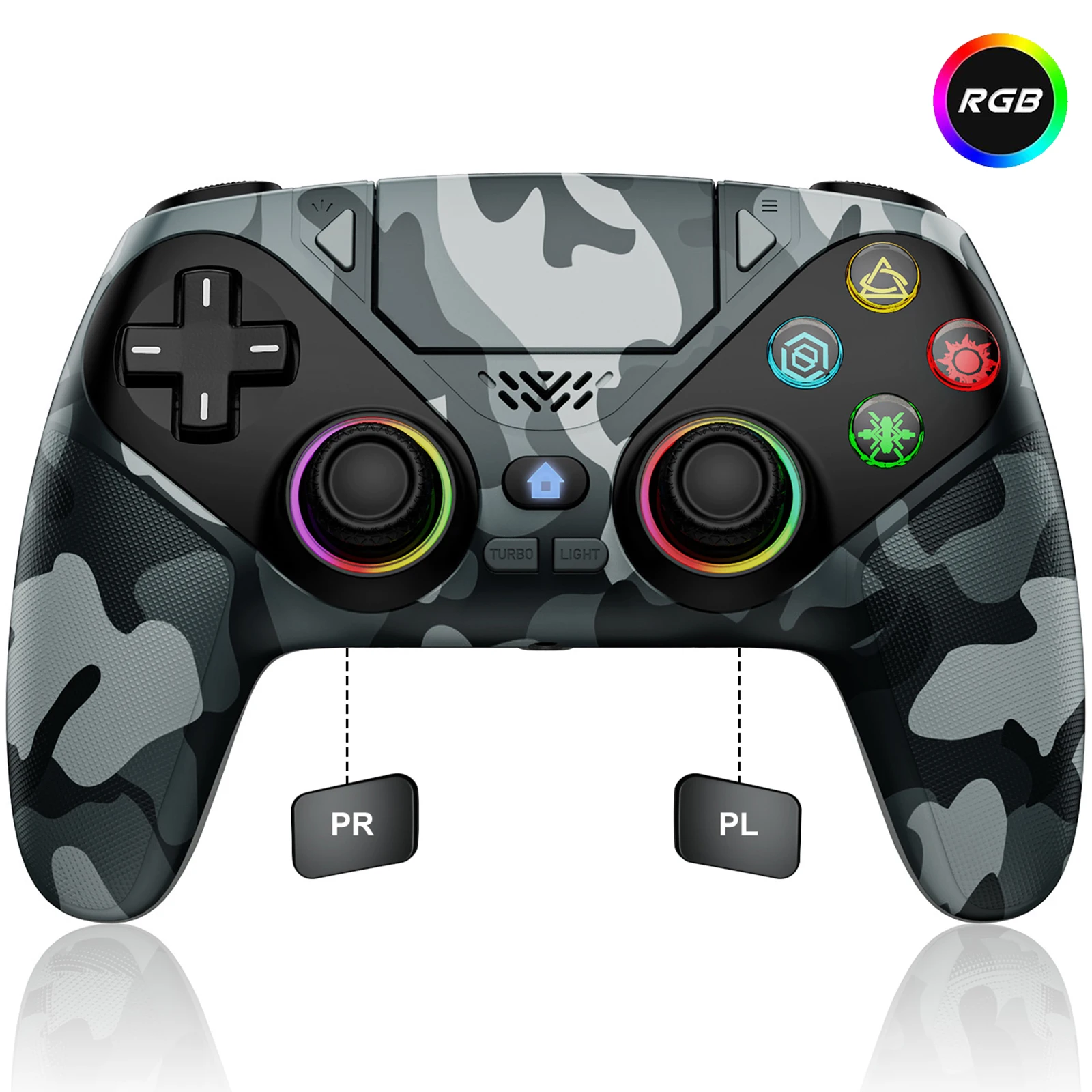
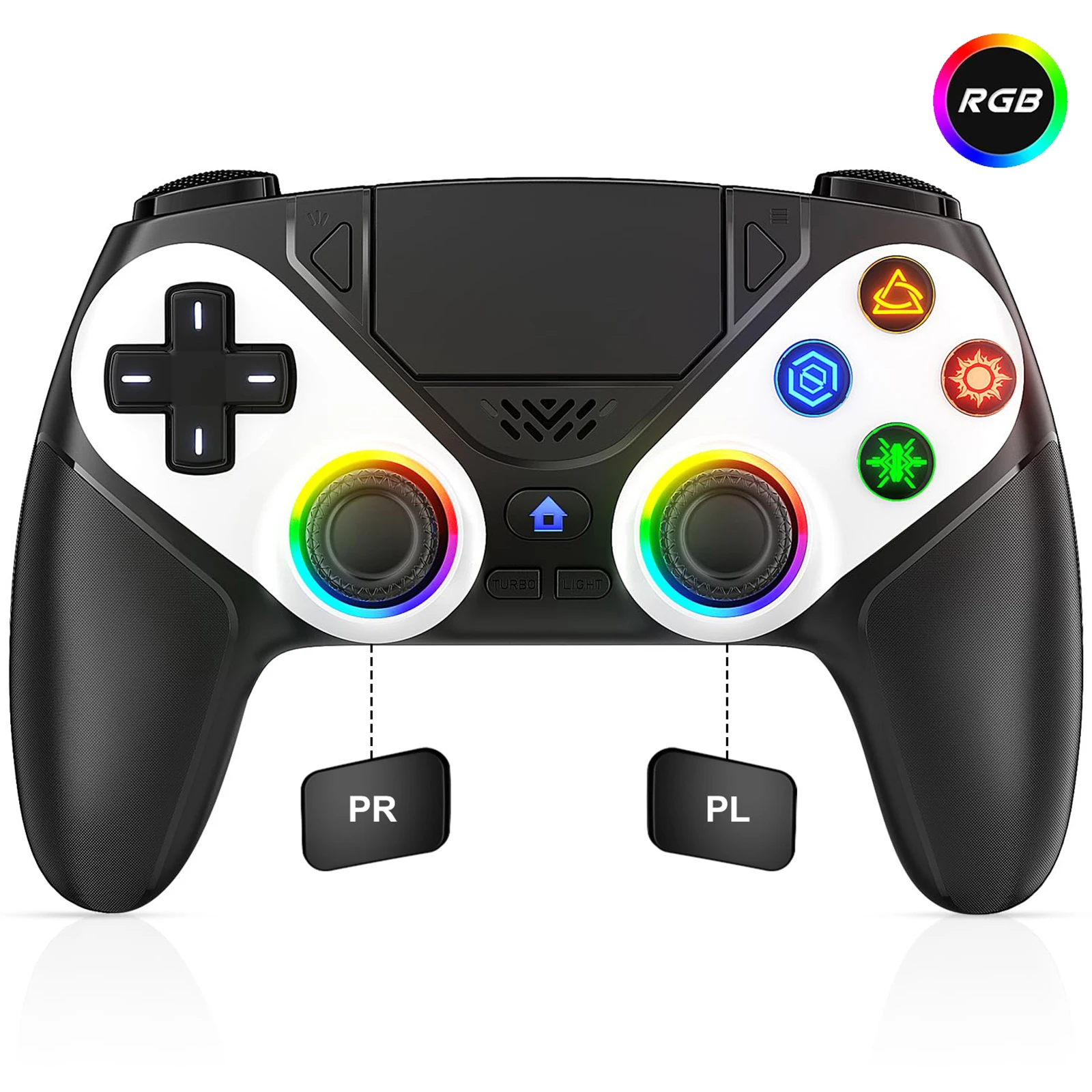
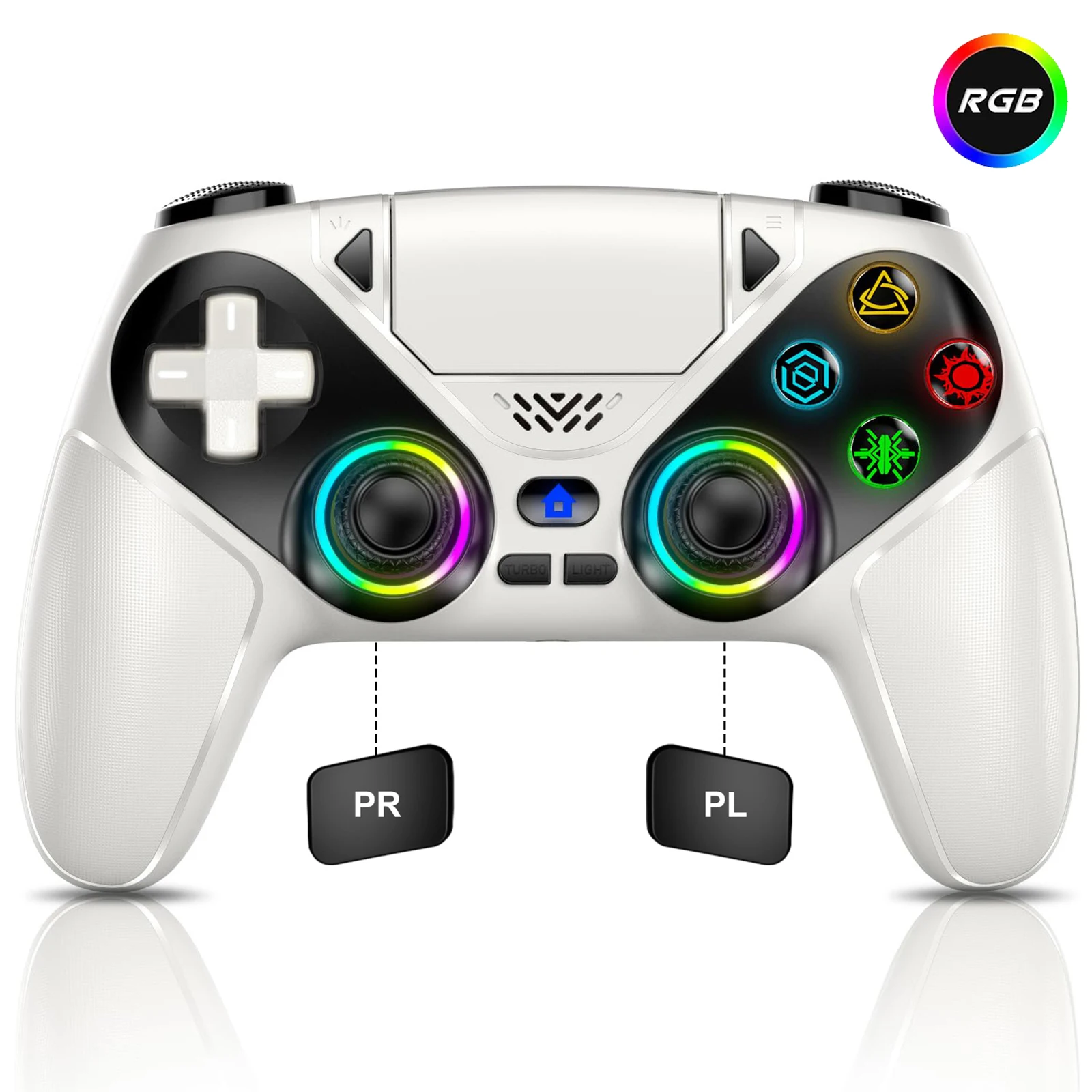
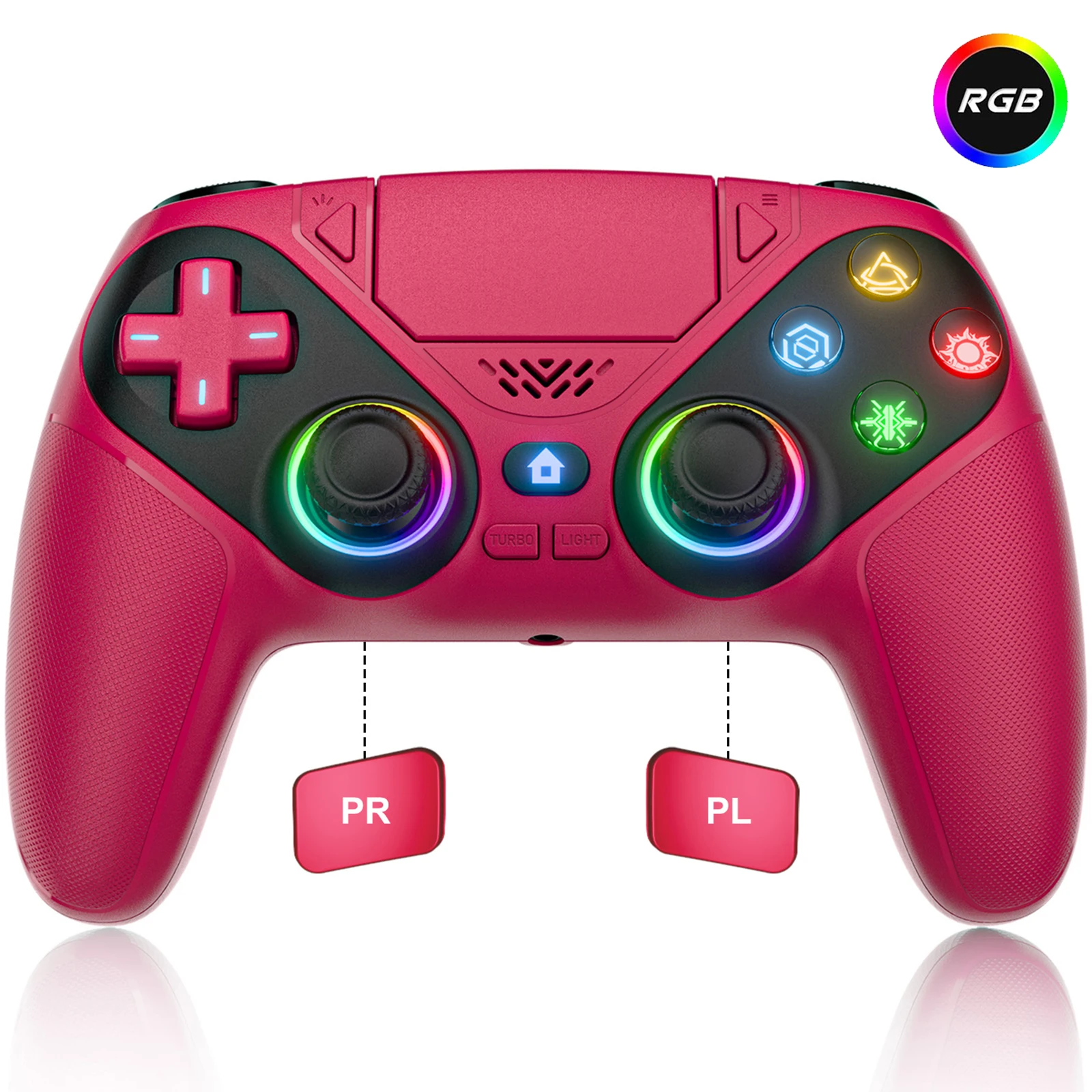
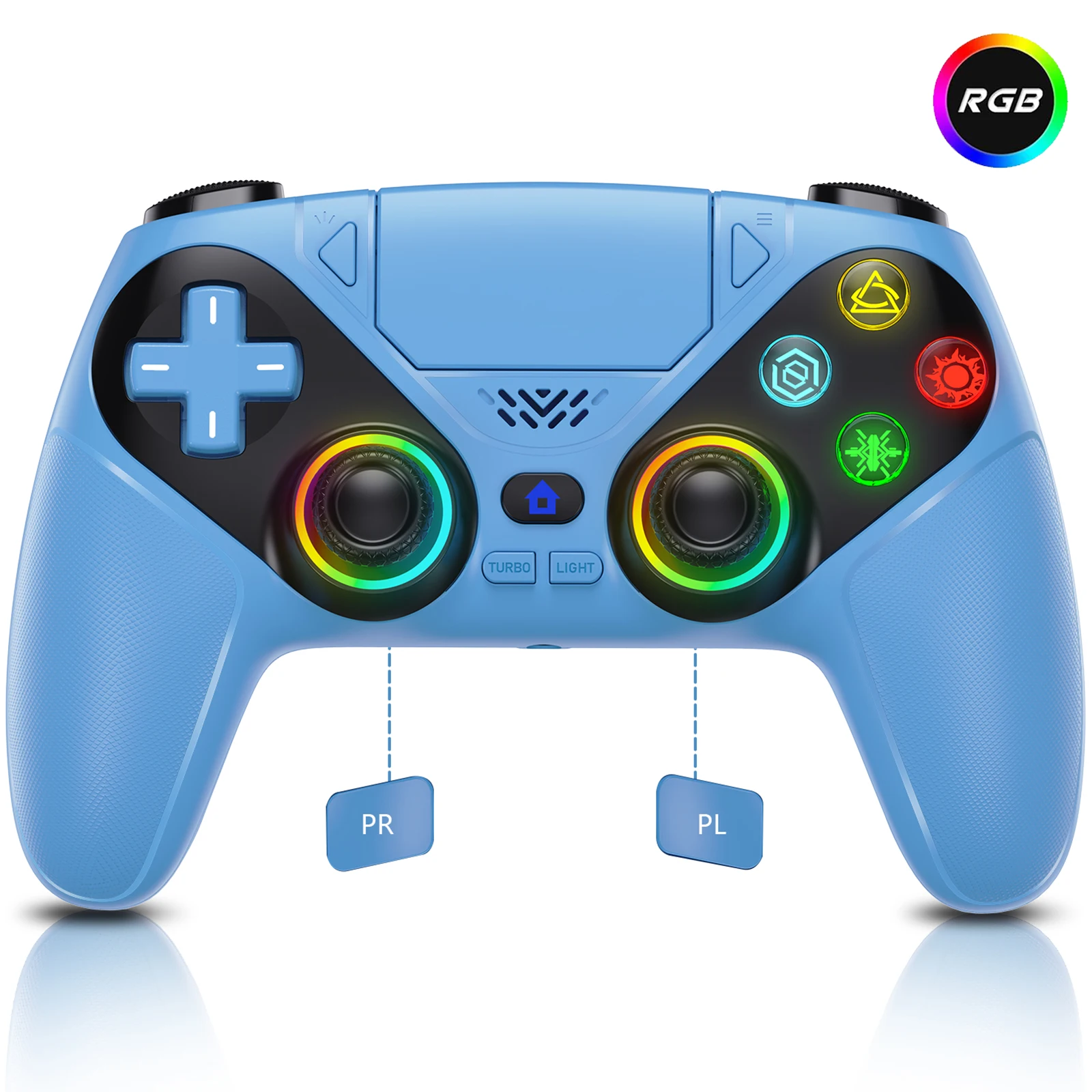
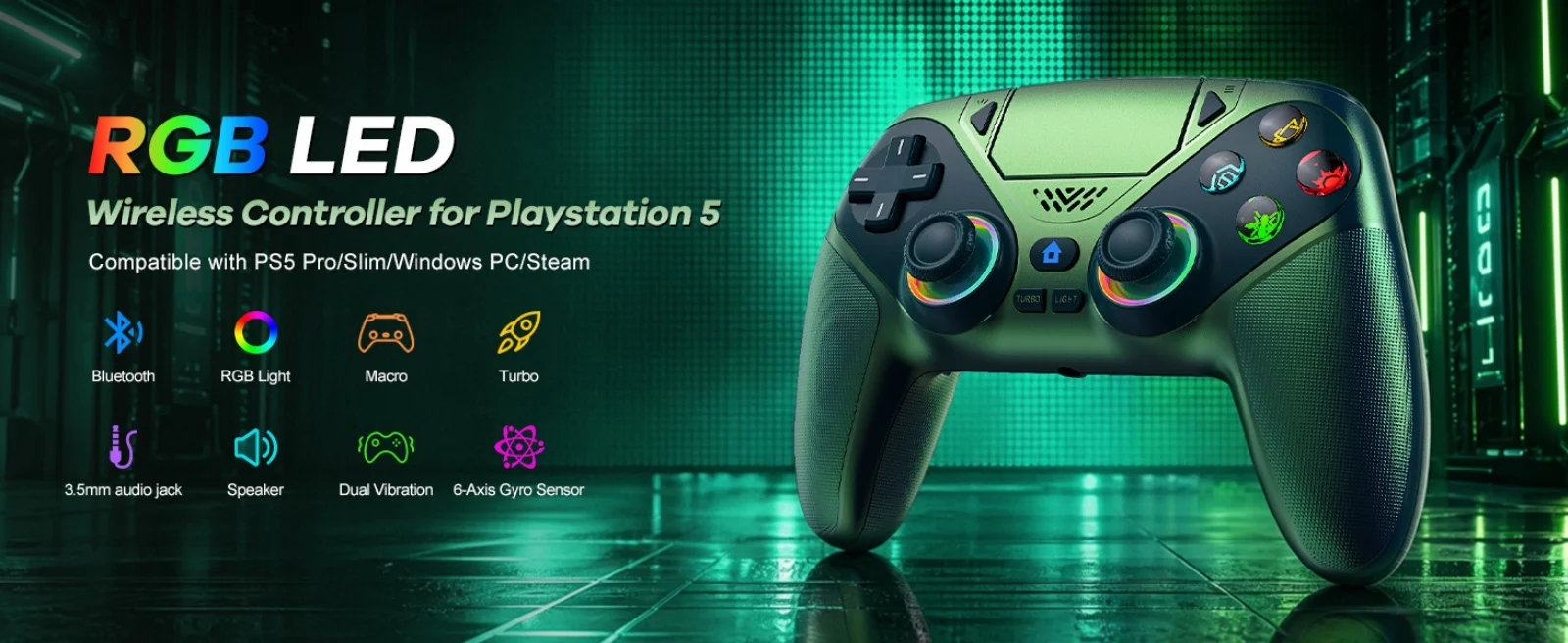
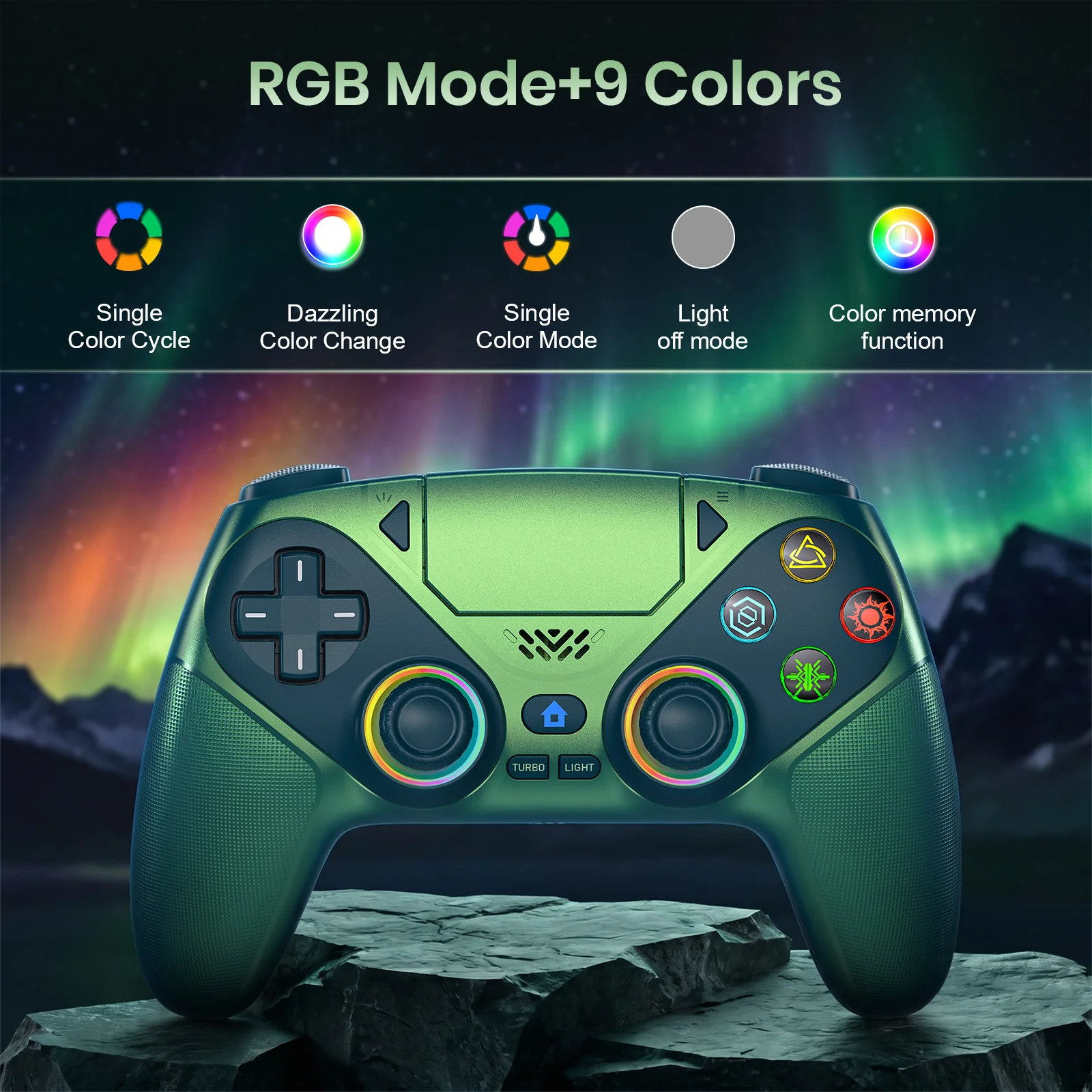
RGB LED Wireless Controller for Playstation 5
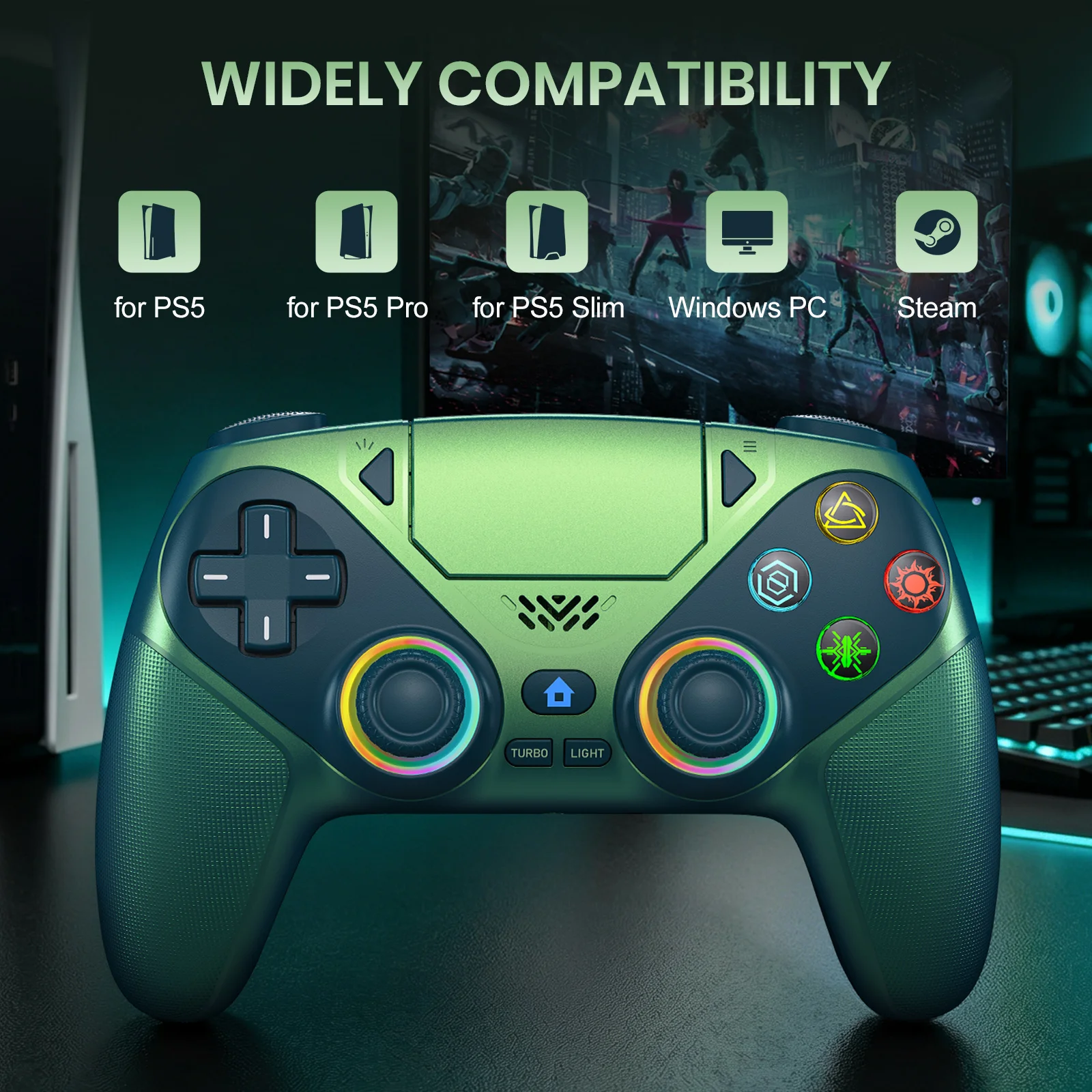
Compatible for PS5 Pro/Slim/Windows PC/Steam
RGB Mode+9 Colors
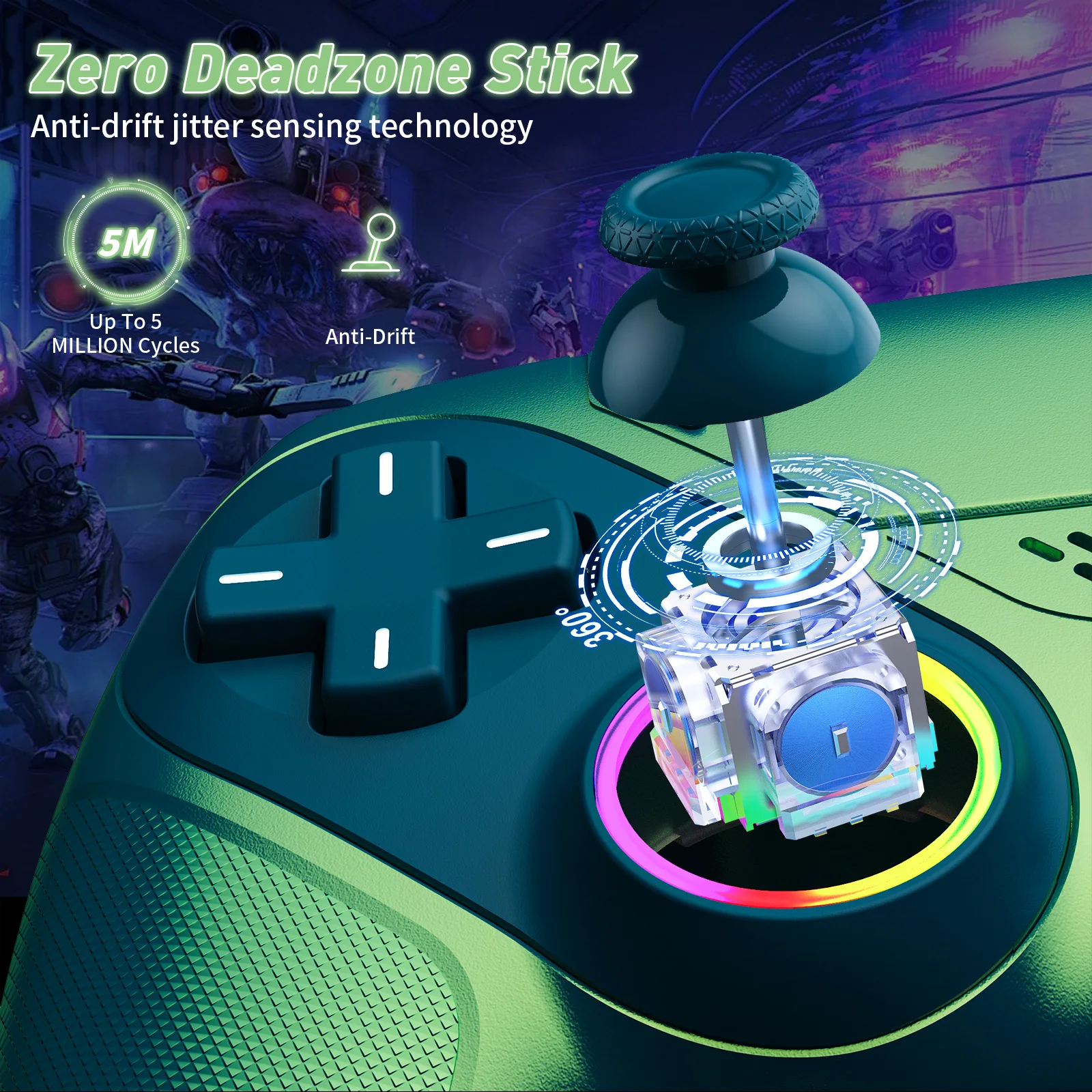
Zero Deadzone Stick
Anti-drift jitter sensing technology
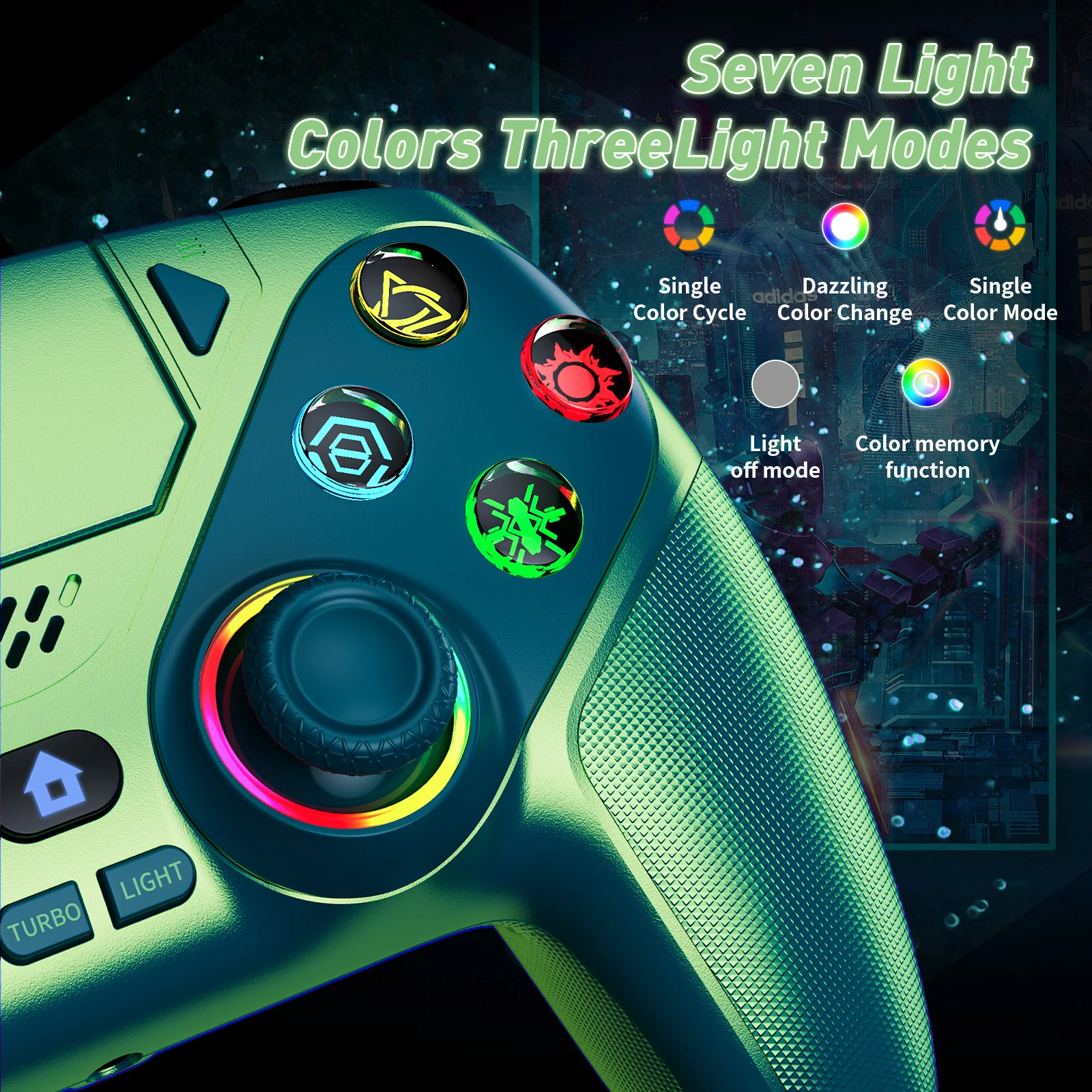
Seven Light
Colors Three Light Modes
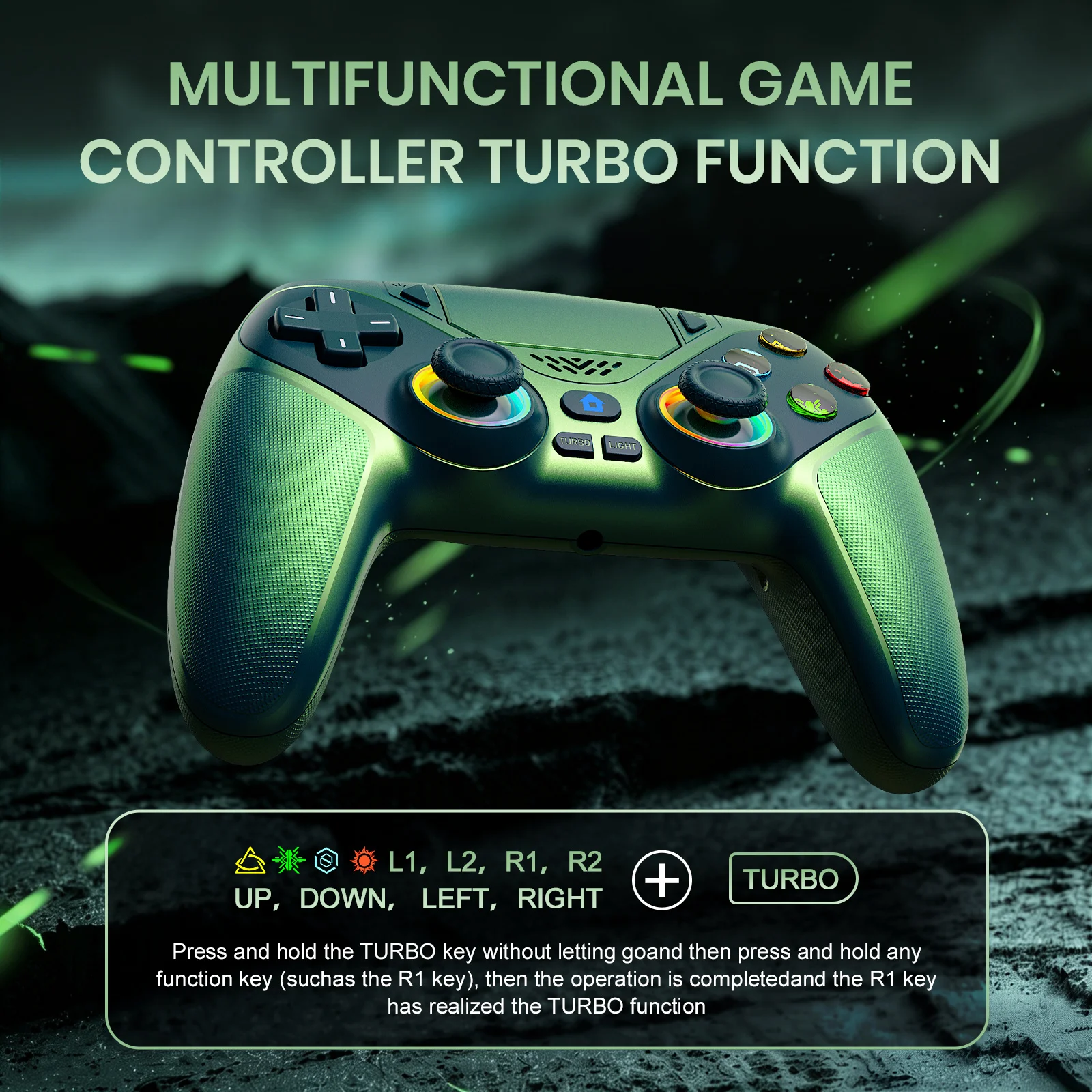
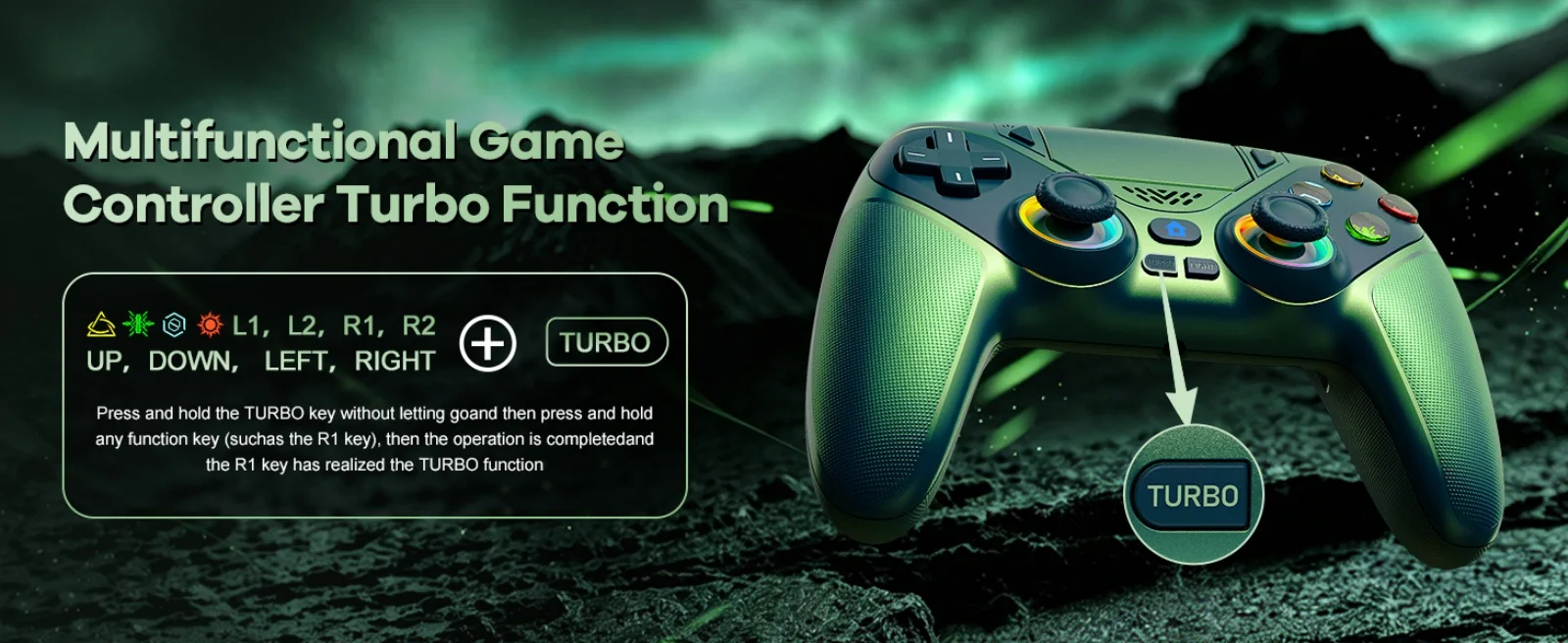
Multifunctional Game Controller Turbo Function
Press and hold the TURBO key without letting goand then press and hold any function key (suchas the R1 key), then the operation is completedand the R1 key has realized the TURBO function
BUILT- IN SPEAKER AND IMMERSIVE GAME PLAY

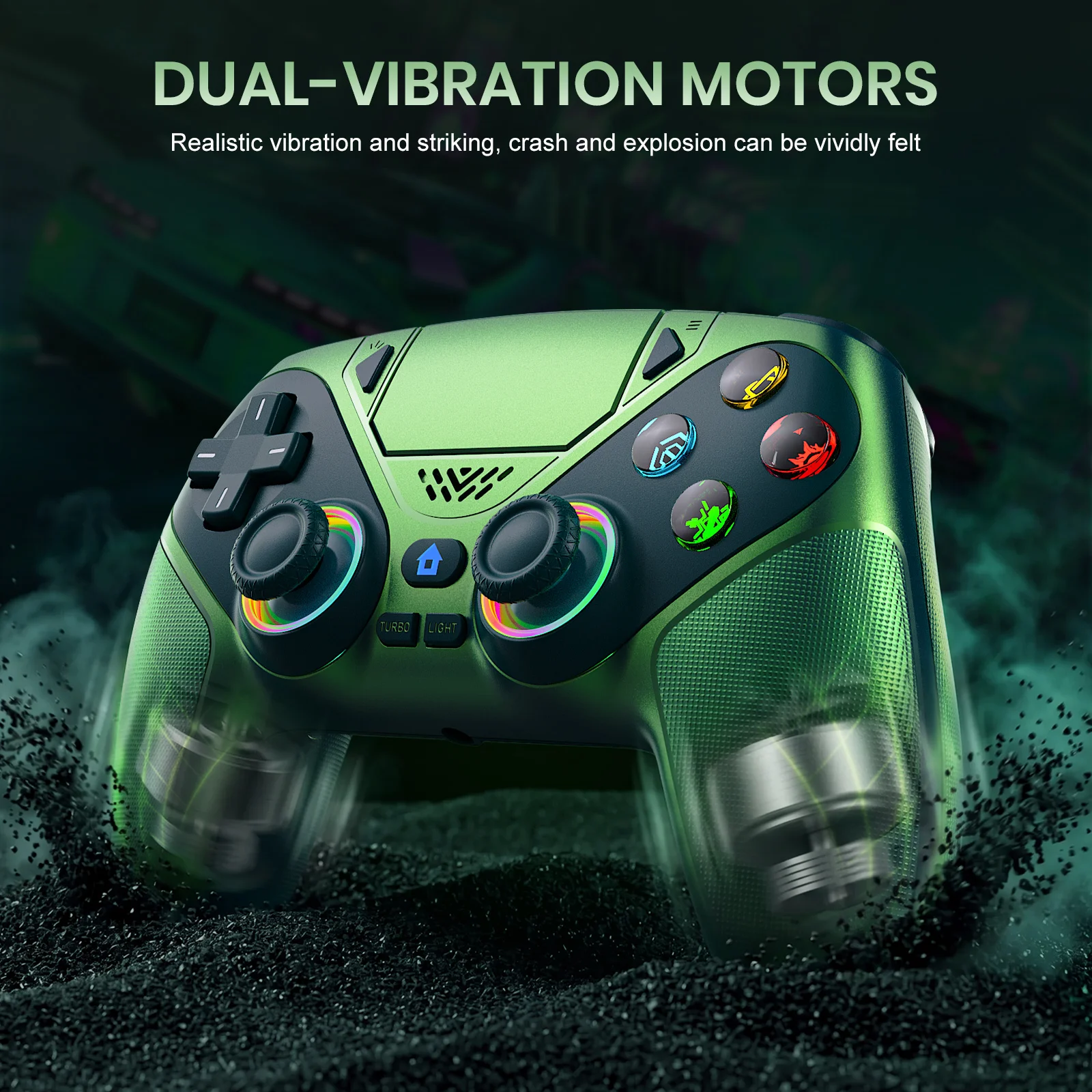
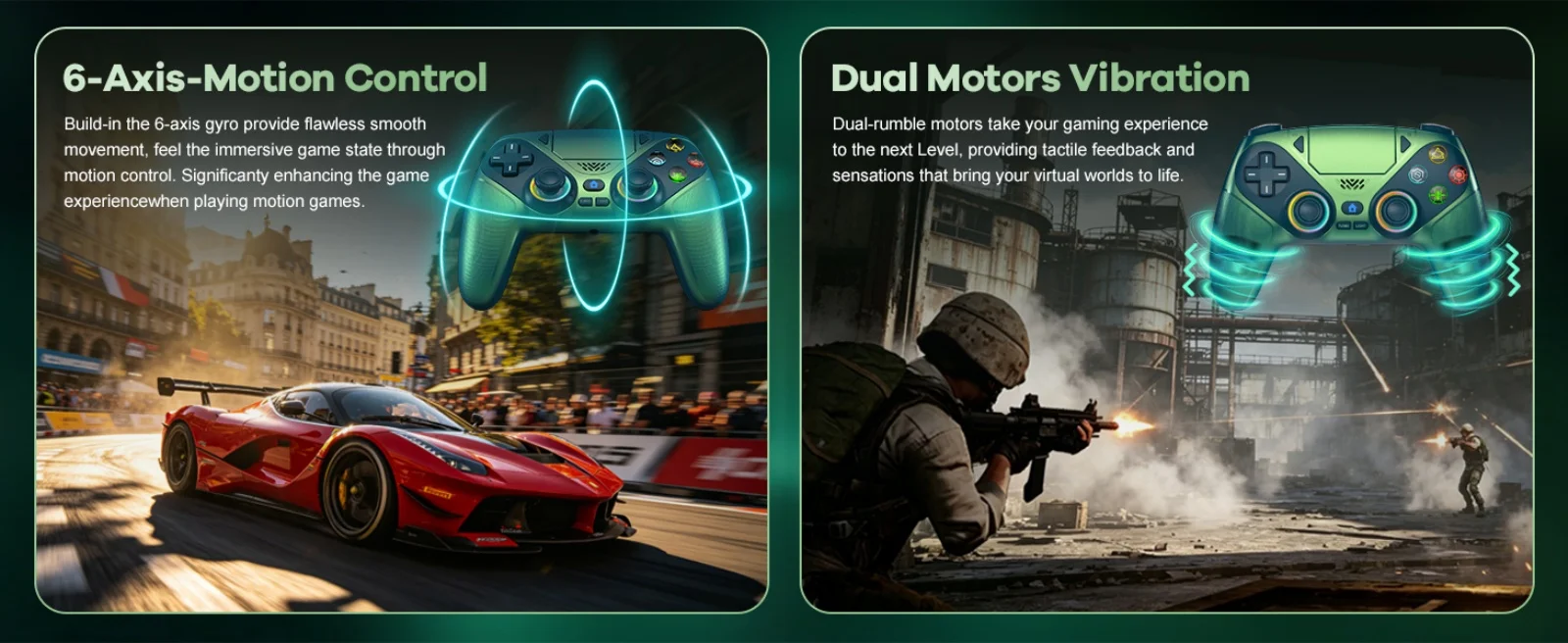
DUAL-VIBRATION MOTORS
Realistic vibration and striking, crash and explosion can be vividly felt
Ultimate Gaming Experience
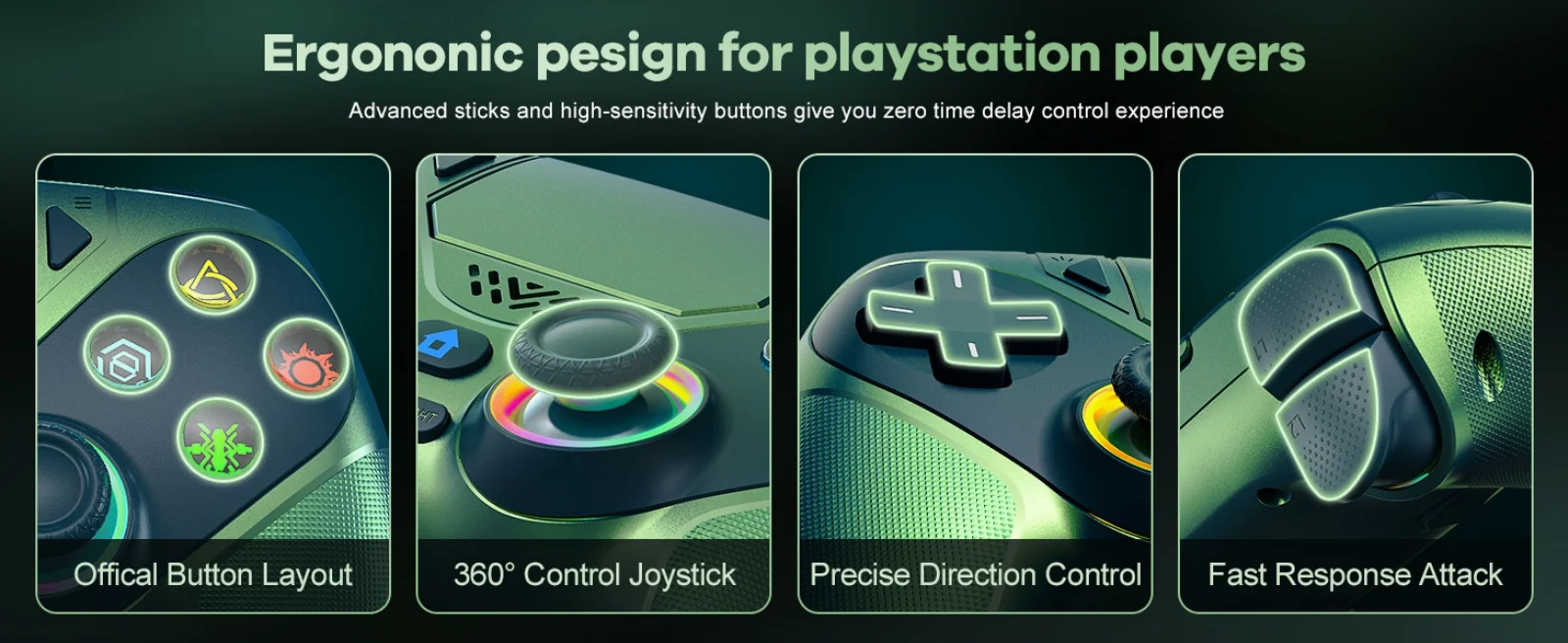
Ergononic pesign for playstation players
Advanced sticks and high-sensitivity buttons give you zero time delay control experience
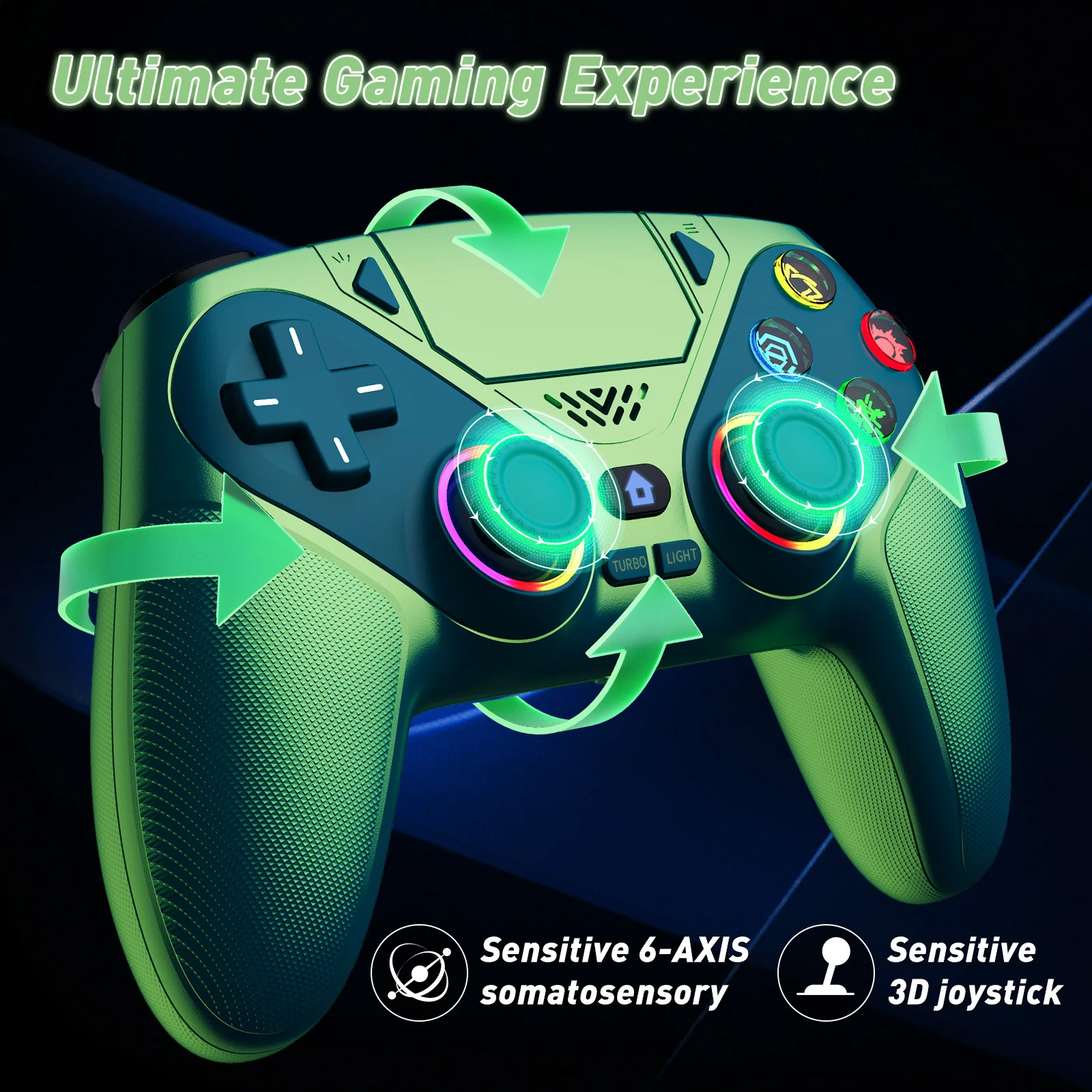
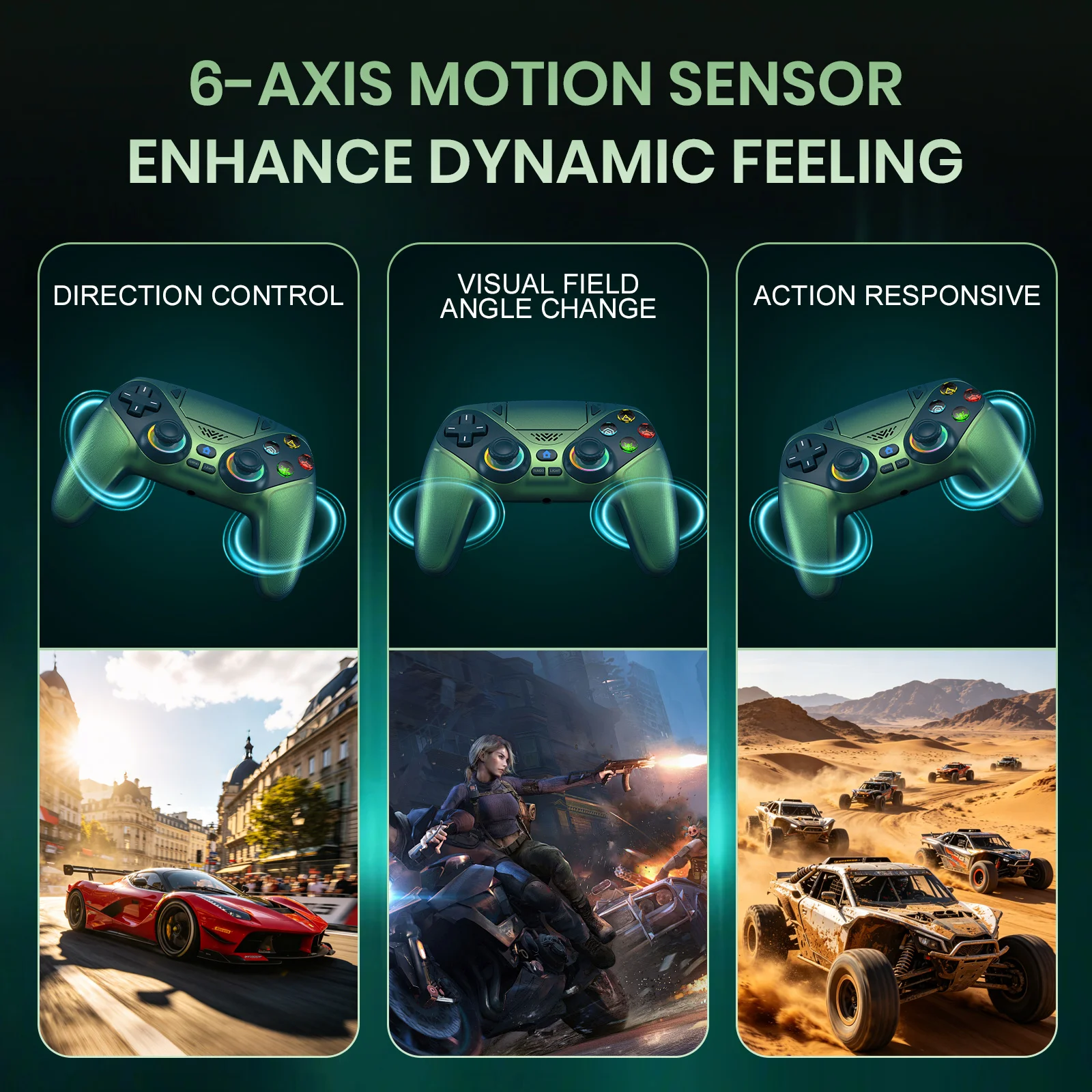
6-AXIS MOTION SENSOR ENHANCE DYNAMIC FEELING
TURBO Switch to turbo mode for faster rapid fire

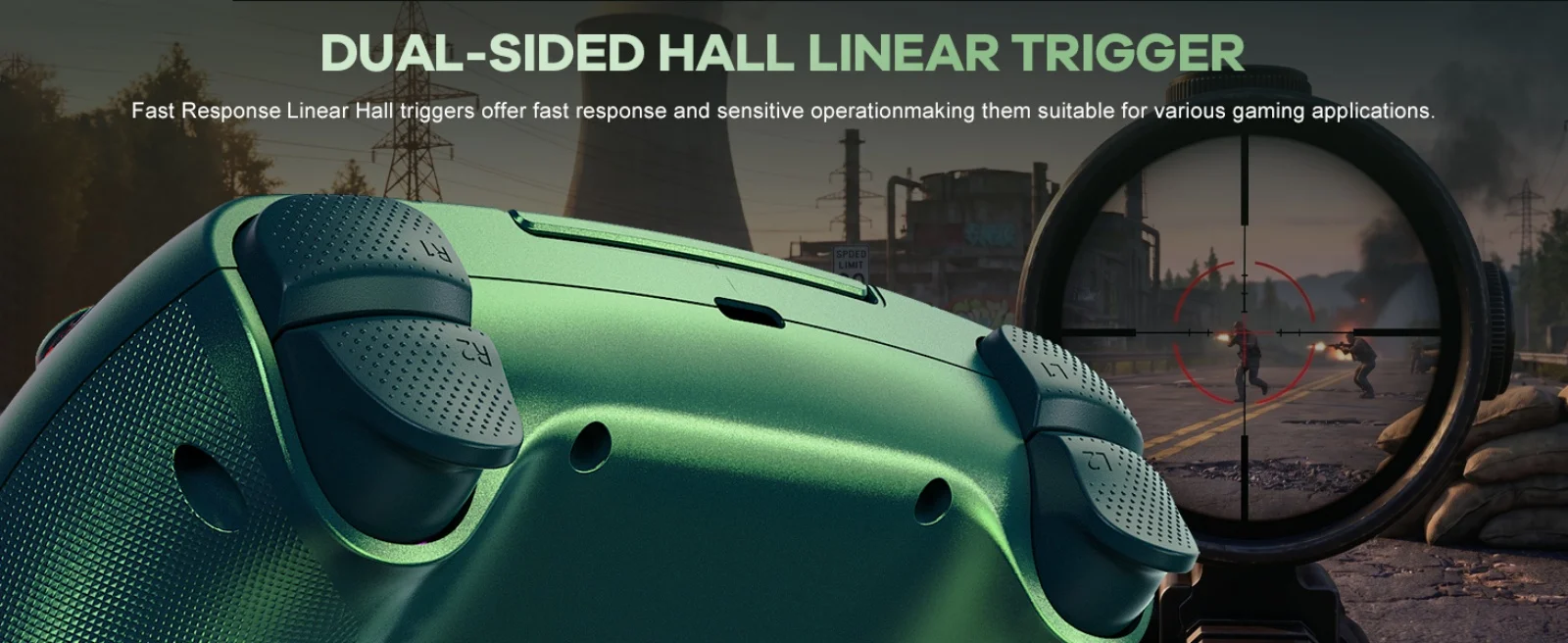
DUAL-SIDED HALL LINEAR TRIGGER
Fast Response Linear Hall triggers offer fast response and sensitive operation making them suitable for various gaming applications.
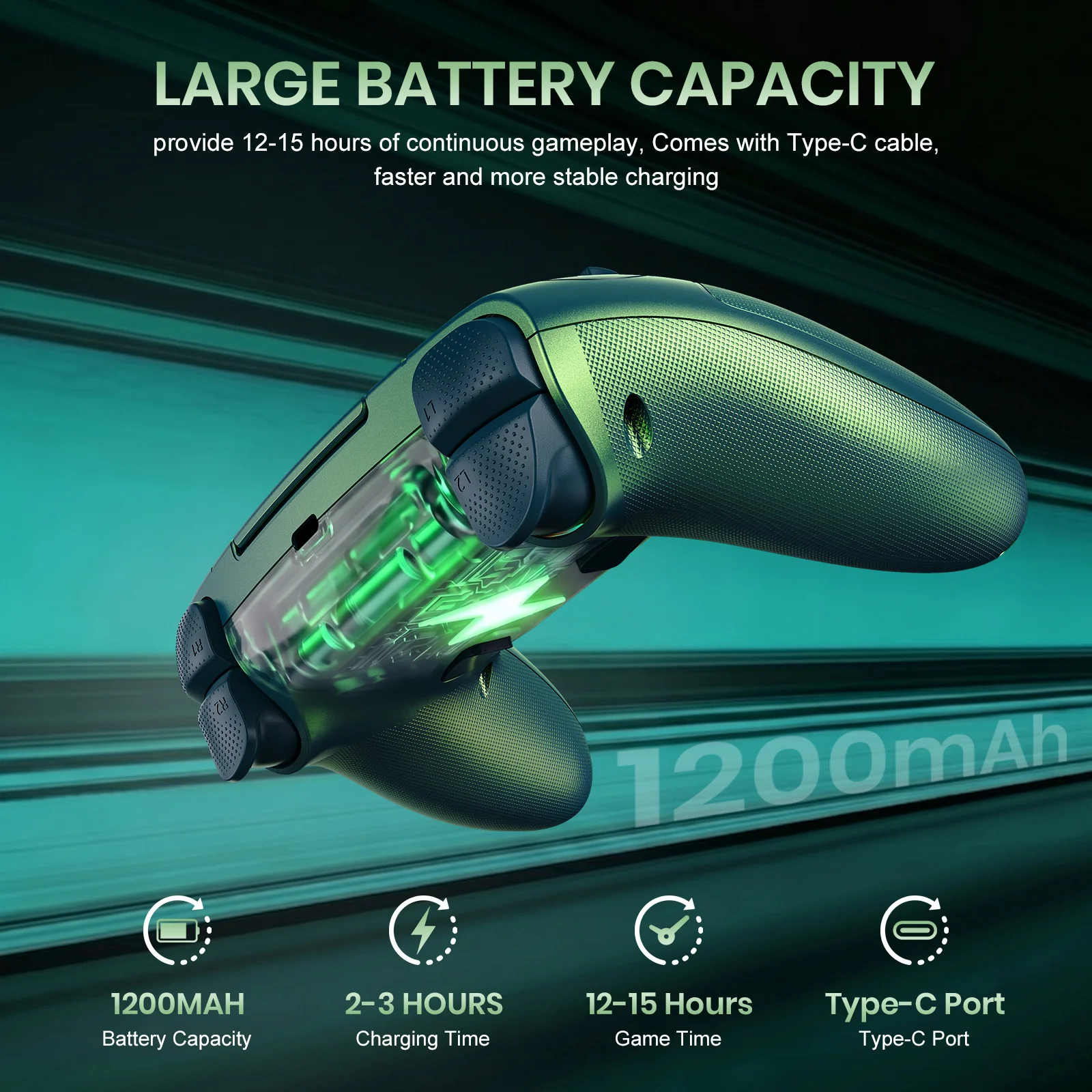
LARGE BATTERY CAPACITY
provide 12-15 hours of continuous gameplay, Comes with Type-C cable,faster and more stable charging
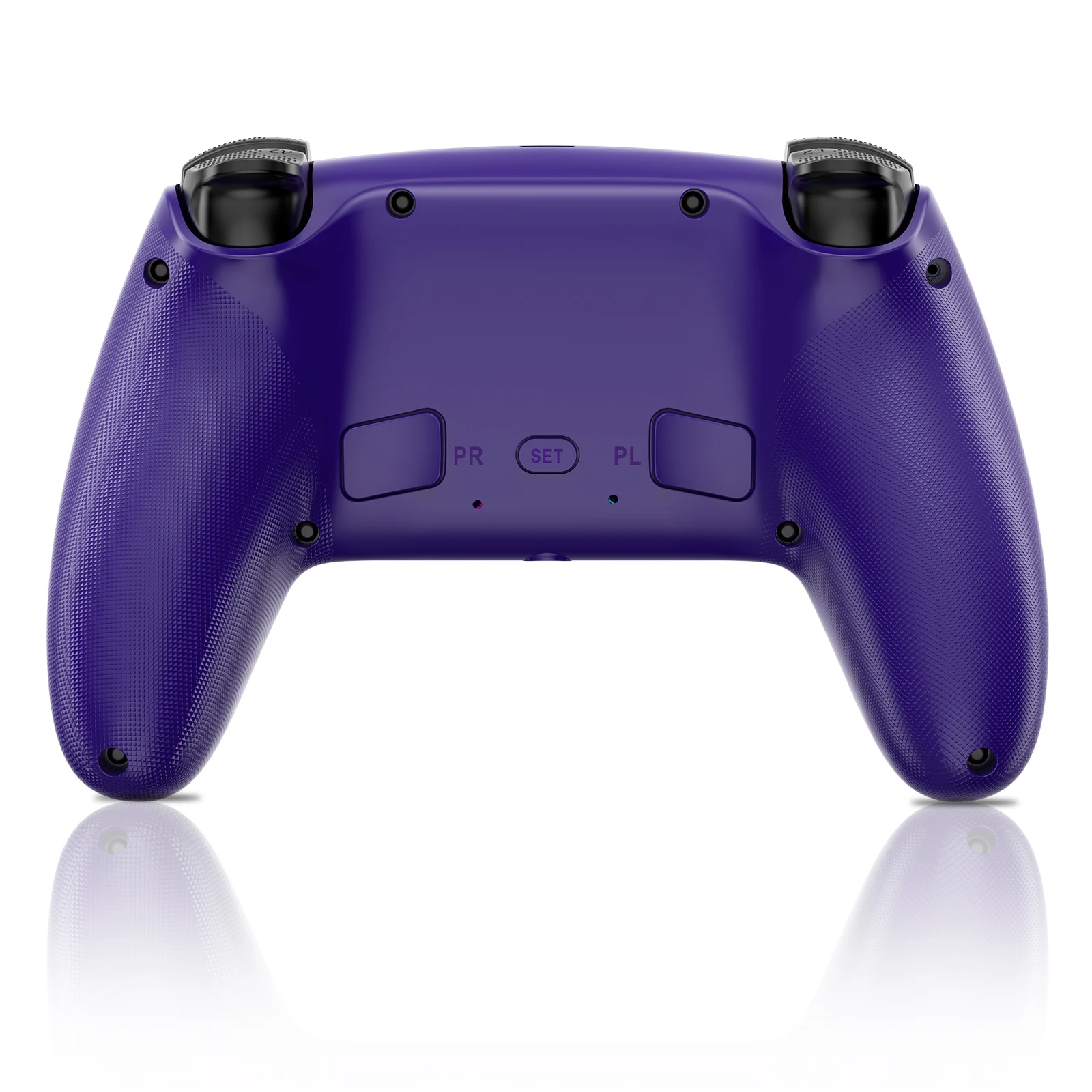
CUSTOMIZABLE MACRO FUNCTION
(24 buttons can be defined at the same time)
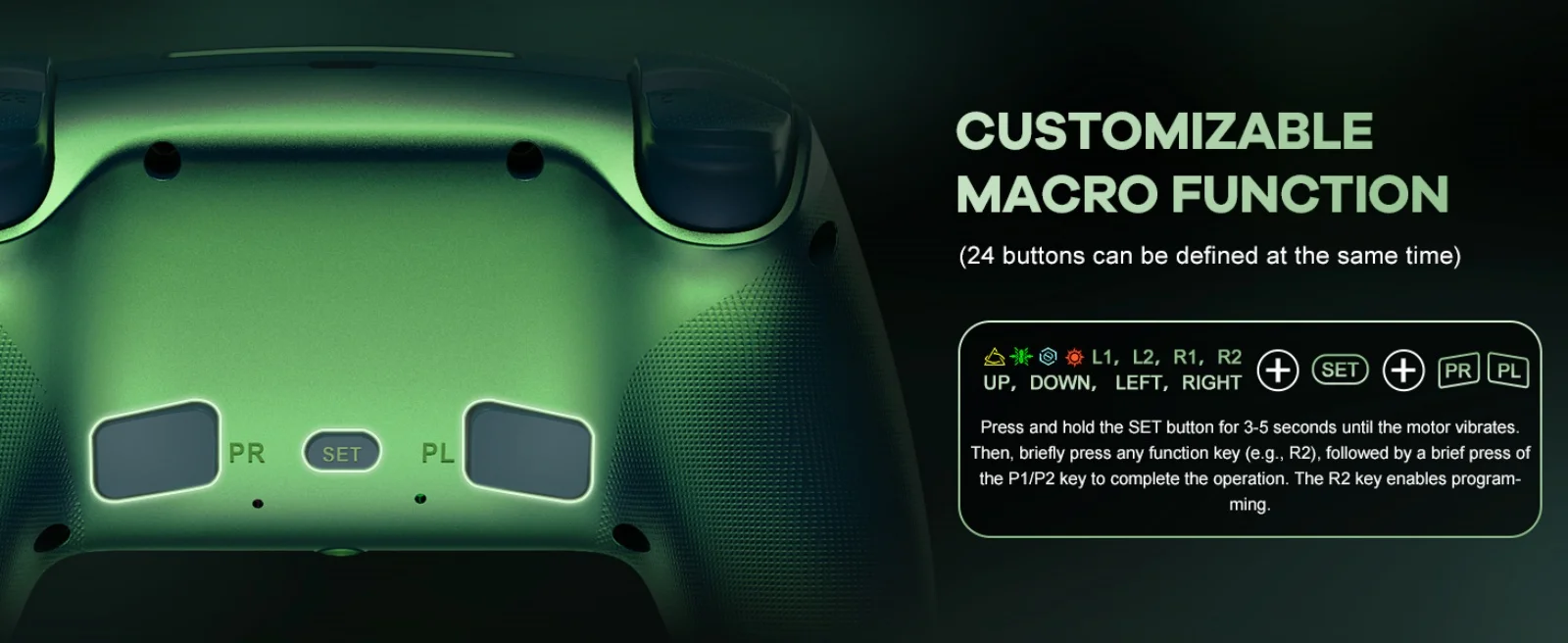

Press and hold the SET button for 3-5 seconds until the motor vibrates. Then,briefly press any function key (e.g., R2), followed by a brief press of the P1/P2 key to complete the operation. The R2 key enables programming.
Multifunctional controller